

CKA 문제 11
List all the pods showing name and namespace with a json path expression
CKA 문제 12
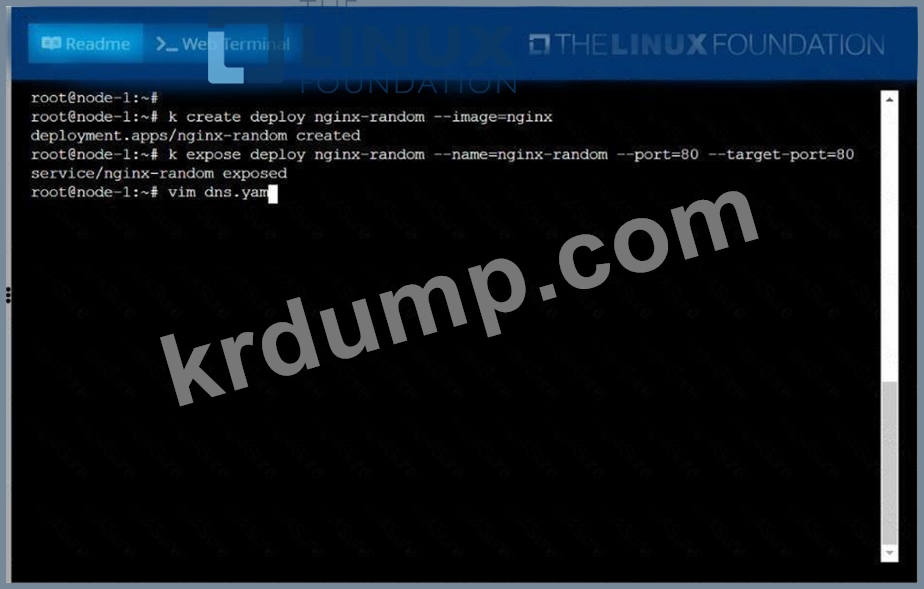
Create a deployment as follows:
* Name:nginx-random
* Exposed via a servicenginx-random
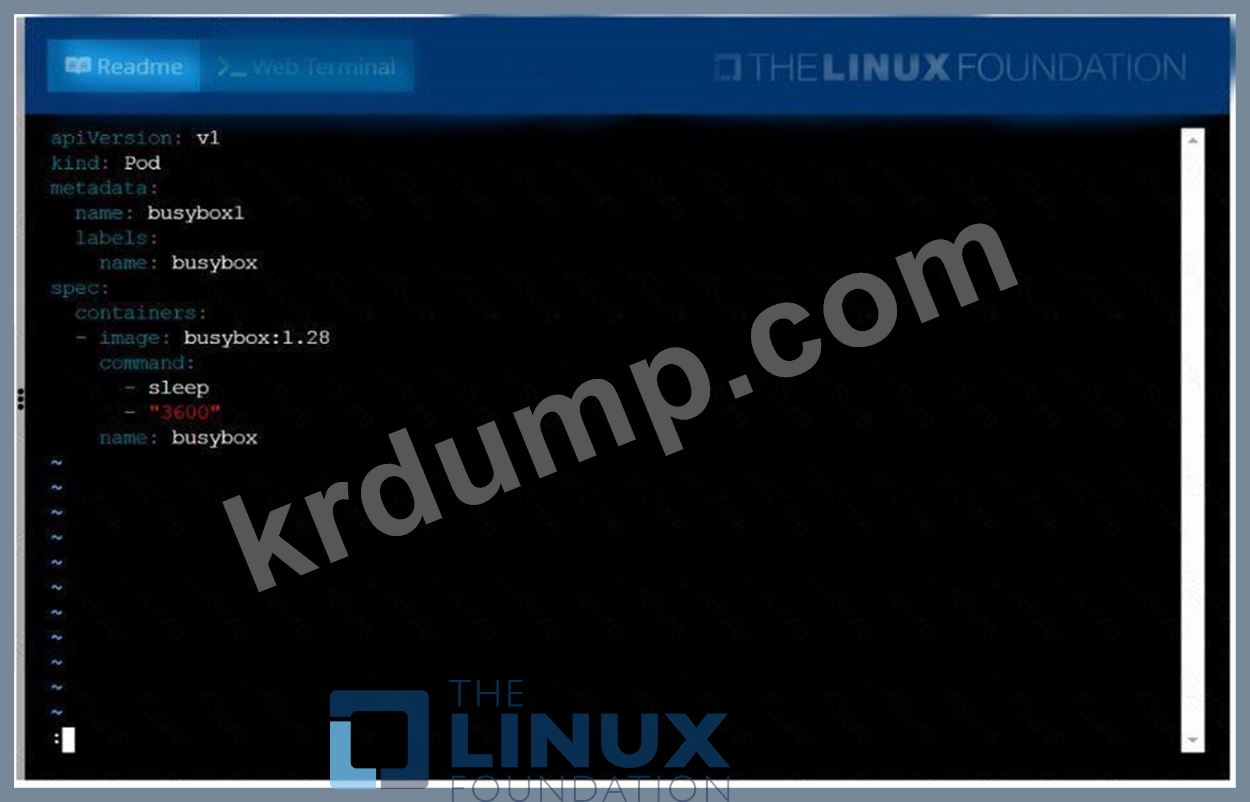
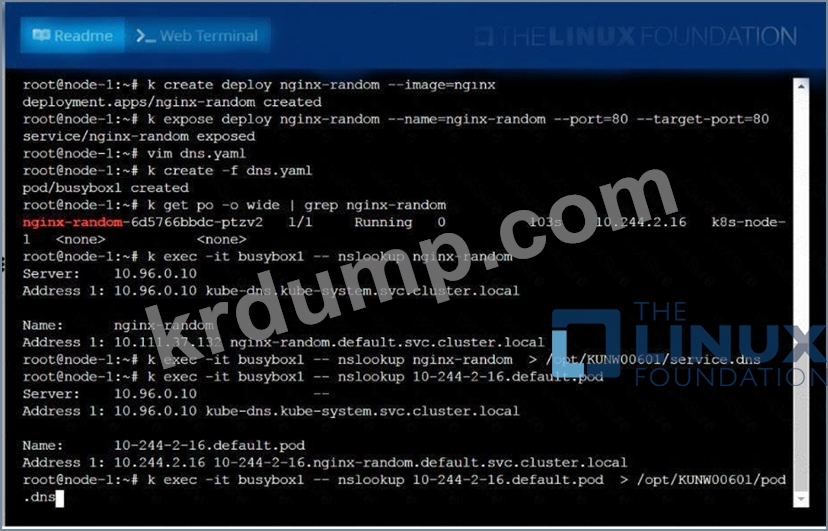
* Ensure that the service & podare accessible via theirrespective DNS records
* The container(s) within anypod(s) running as a part of thisdeployment should use thenginxImage Next, use the utilitynslookupto lookup the DNS records of the service &pod and write the output to
/opt/KUNW00601/service.dnsand/opt/KUNW00601/pod.dnsrespectively.
* Name:nginx-random
* Exposed via a servicenginx-random
* Ensure that the service & podare accessible via theirrespective DNS records
* The container(s) within anypod(s) running as a part of thisdeployment should use thenginxImage Next, use the utilitynslookupto lookup the DNS records of the service &pod and write the output to
/opt/KUNW00601/service.dnsand/opt/KUNW00601/pod.dnsrespectively.
CKA 문제 13
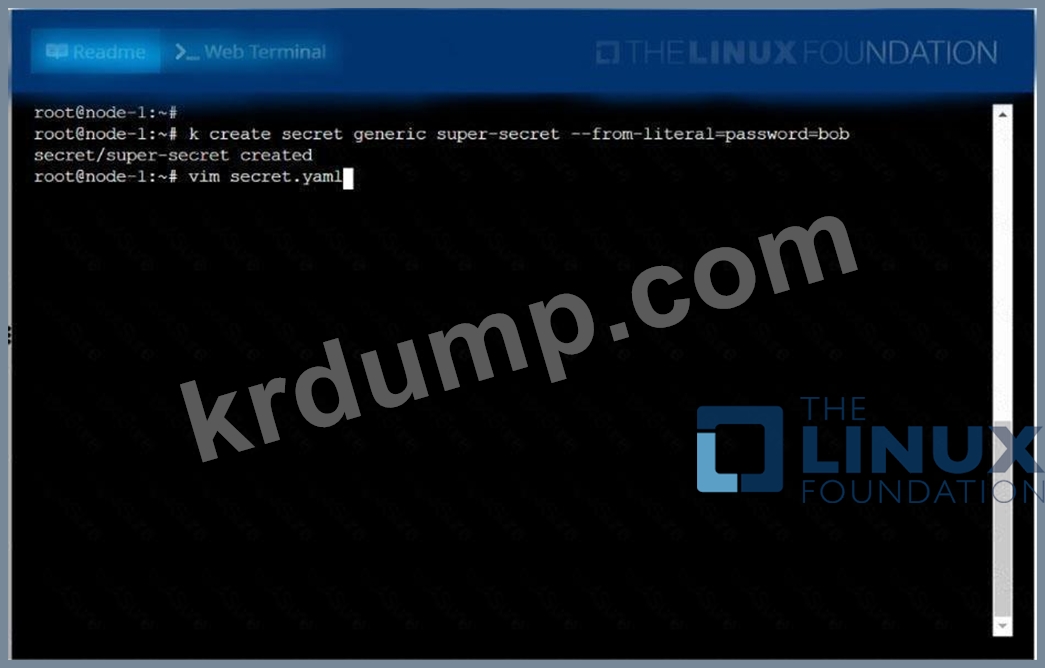
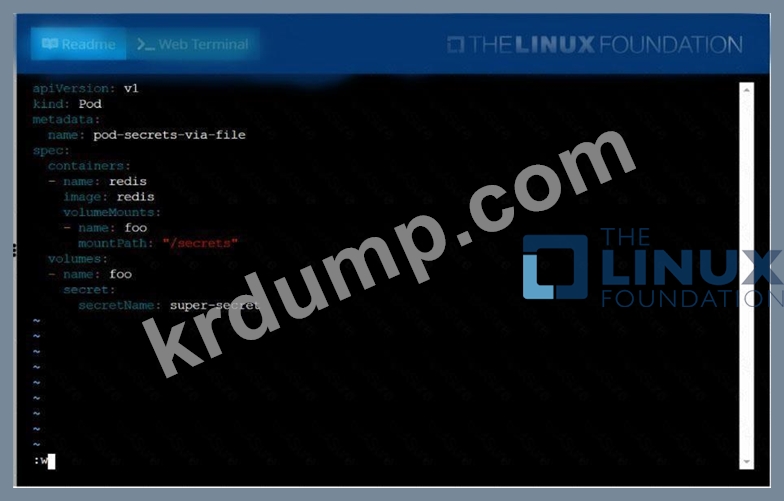
Create a Kubernetes secret asfollows:
* Name: super-secret
* password: bob
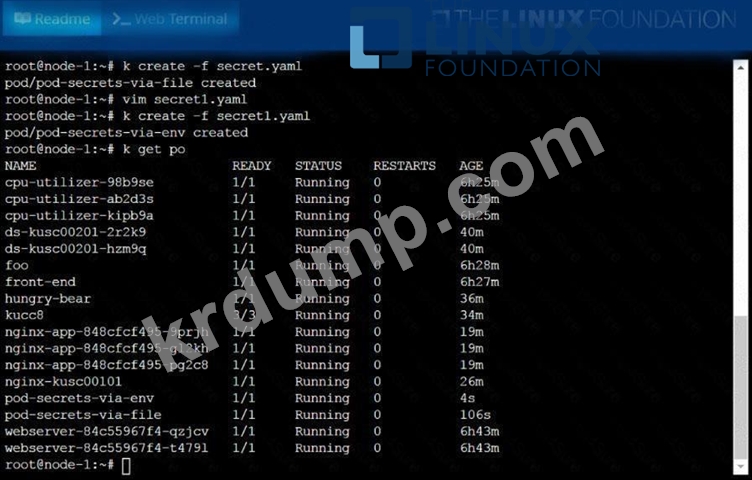
Create a pod namedpod-secrets-via-file Image, which mounts a secret namedsuper-secretat
/secrets.
Create a second pod namedpod-secrets-via-env Image, which exportspasswordas CONFIDENTIAL
* Name: super-secret
* password: bob
Create a pod namedpod-secrets-via-file Image, which mounts a secret namedsuper-secretat
/secrets.
Create a second pod namedpod-secrets-via-env Image, which exportspasswordas CONFIDENTIAL
CKA 문제 14
Get list of all pods in all namespaces and write it to file "/opt/pods-list.yaml"
CKA 문제 15
Check the Image version of nginx-dev pod using jsonpath
kubectl get pods -A -o=jsonpath='{range .items[*]}{.metadata.name}{"\t"}{.metadata.namespace}{"\n"}{end}'